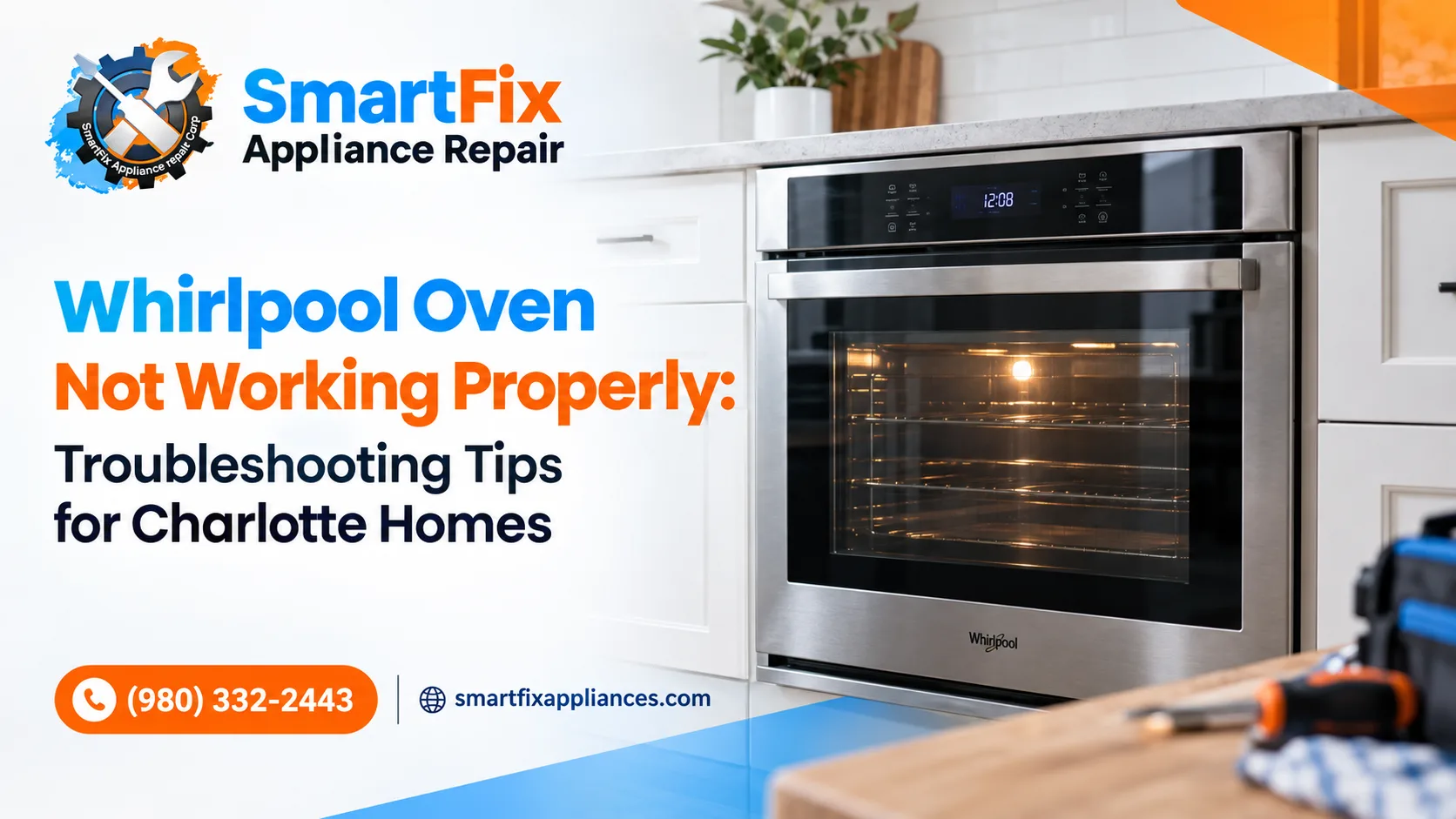
Your oven goes quiet minutes before dinner. Before you reach for the takeout menu, take a breath: most cases of a Whirlpool oven not working trace back to a short list of causes, and several take less than ten minutes to check.
As appliance technicians serving Charlotte, we see the same patterns over and over: a tripped breaker, a worn bake element, a temperature sensor that has drifted, a control board rattled by a power flicker. This guide to Whirlpool oven troubleshooting follows the order we’d use ourselves: easy and safe checks first, professional-only repairs last.
Safety first. Turn off the breaker before touching anything inside an electric oven. If you smell gas (a rotten-egg odor), leave the house right away and call 911 from a safe distance.
Start With These Five-Minute Checks
Skip these and you risk paying for a service call you didn’t need. Work through them in order:
-
Check the breaker and outlet. Whirlpool’s own guide says to rule out electrical issues first: if the breaker hasn’t tripped and the outlet works, then move on to the oven’s parts. (Why Is My Oven Not Heating Up?)
-
Look at the settings. Control lock, Sabbath mode and demo mode can all make a healthy oven look dead.
-
Do a power reset. Switch the breaker off for about five minutes, then back on. Like a phone, an oven’s electronic control can freeze after a power flicker, and Charlotte’s summer thunderstorms hand out plenty of those.
-
Write down the model number and any code on the display. You’ll need both for parts or a repair visit.
-
Inspect the door. A door that doesn’t close fully or a damaged seal can keep the oven from reaching temperature.
Whirlpool Oven Not Turning On: Start With One Question
Does the clock light up? That single answer splits the problem in two.
-
Nothing lights up at all. The oven isn’t getting power. Look for a tripped breaker, a blown fuse or a loose connection at the outlet or terminal block. If the breaker trips again right after you reset it, stop and call a licensed electrician or technician, because repeated tripping points to a short.
-
The display is on, but the oven won’t start. Check for a control lock or Sabbath setting first. Whirlpool’s No Power help page for wall ovens begins by asking whether the oven control is set correctly. If the settings are right, a failed control board is the next suspect, and that’s a technician’s job.
One classic puzzler: the stovetop works but the oven doesn’t. On many electric ranges the cooktop and oven rely on different parts, so one can fail while the other keeps going. Whirlpool explains the usual culprits in Why Won’t My Oven Turn On?
Whirlpool Oven Display Not Working or Blank
A Whirlpool oven display not working is alarming, but it doesn’t always mean an expensive repair. Match what you see to the likely cause:
-
Numbers flashing after a power outage: Normal. Press Cancel on the keypad and the flashing stops.
-
Blank screen, breaker is on: Try the five-minute reset above.
-
Display works, buttons don’t: A worn or shorted keypad, or a loose keypad cable, is the usual cause.
-
Dark or garbled display even after a reset: The electronic range control, the oven’s “brain,” may be failing.
If a dead display comes with an error code or odd behavior, stop using the oven until it’s checked. A failing control can’t regulate temperature reliably, which makes this a safety issue as well as an inconvenience.
Whirlpool Oven Not Heating: Start With the Part That Makes the Heat
This is the complaint we hear most from Charlotte homeowners. When a Whirlpool oven is not heating, the cause depends on whether yours is electric or gas.
Electric: the bake element
The bake element is the coil on the oven floor. Set the oven to bake: if it never glows red, it may be burned out. Look for blisters, breaks or burn marks. Whirlpool recommends calling a professional instead of replacing a heating element yourself, because of the electrical risk.
Gas: the igniter
A gas oven needs its igniter to light the burner. If the igniter glows for more than a minute without a flame appearing, it’s weak and needs replacing, according to the repair-parts specialists at Fred’s Appliance. Leave the swap to a technician, and treat any gas smell as an emergency.
Both: the temperature sensor
The sensor tells the control how hot the oven really is. A faulty one can stop the oven from heating, or leave it off by 50°F or more. Here’s a quick sanity test: set the oven to 350°F, let it preheat fully, and compare against a basic oven thermometer. A big gap points to the sensor. AppliancePartsPros shows how to test one with a multimeter in Whirlpool range oven not heating? Here’s how to test the sensor.
|
What you notice |
Likely cause |
DIY or pro? |
|
Electric oven cold, element never glows |
Burned-out bake element |
Pro recommended |
|
Gas oven cold, igniter glows with no flame |
Weak igniter |
Pro |
|
Oven heats, but food cooks unevenly or temperature is off |
Faulty temperature sensor |
Confident DIYers can test it; otherwise pro |
|
Oven won’t heat and an error code shows |
Sensor or control board fault |
Pro |
For model-specific steps, Whirlpool’s help page Oven Not Heating – Powering On – Electric Range is worth bookmarking.
Whirlpool Oven Error Codes: What F1, F2, F3 and F5 Mean
That flashing code isn’t random. It tells you which system the oven thinks has failed. Most start with “F” and a number, and many newer models add an “E” value (like F3-E2) to narrow it down further.
|
Code |
What it usually points to |
What to try |
|
F1 |
Electronic control board or keypad fault |
Reset power; if it returns, call a technician |
|
F2 |
Temperature-related or keypad issue (varies by model) |
Reset power; stop using the oven if it keeps coming back |
|
F3 |
Oven temperature sensor problem |
Check the sensor and its connector; replace if faulty |
|
F5-E1 |
Door lock issue on self-clean models |
Make sure the latch moves freely; call a pro if it persists |
Two rules of thumb. First, write the code down, then do a five-minute power reset. A code that disappears and stays gone was likely a one-time glitch; one that comes back within a day or two is a real fault. Second, meanings can vary by model, so check your owner’s manual. If the oven seems to be overheating, shut off its breaker and leave it off until it’s been inspected.
For longer lists, including four-digit codes, see PartSelect’s Whirlpool Oven/Range Fault Codes.
DIY Fixes vs. When to Call a Pro
Safe to do yourself:
-
Resetting the breaker
-
Checking settings and control lock
-
Cleaning the door seal and oven interior
-
Recording the model number and error code
Leave to a technician:
-
Replacing a bake element, igniter or control board
-
Anything involving gas lines or hardwired connections
-
Repeated breaker trips
-
Overheating, or any gas smell
When you do call, have four things ready: model and serial number, the exact error code, when the problem started, and what you’ve already tried. It speeds up the diagnosis and often saves a second visit.
Wondering whether to repair or replace? A common rule of thumb among appliance pros: if the repair cost approaches half the price of a comparable new oven, replacement starts to make sense. For a single failed element, sensor or igniter on an otherwise healthy oven, repair usually wins.
Oven Repair in Charlotte, NC: How SmartFix Can Help
When the quick fixes don’t cut it, SmartFix Appliance Repair serves homeowners across Charlotte, Fort Mill, Mooresville, Concord, Cornelius and nearby areas. Our technicians repair Whirlpool ovens and ranges, from bake elements and igniters to sensors and control boards, and explain the problem in plain English before any work begins.
Ready to get dinner back on track? Book your oven repair online and let us take it from here.
How to Prevent Whirlpool Oven Problems
-
Wipe up spills before they bake on, especially near the door seal and sensor.
-
Go easy on the self-clean cycle; the extreme heat is hard on electronics.
-
Never block the oven vents.
-
Don’t bend or move the temperature sensor when cleaning.
-
If lights flicker or breakers trip often, have your home’s wiring checked.
Get Your Whirlpool Oven Back in Working Order
You now have a clear game plan: check power and settings, read the error code, inspect the usual suspects (element, igniter, sensor), and bring in a pro for anything electrical or gas-related. Small steps can save you real time and money, and when you need backup, SmartFix is one booking away.
FAQ
Why is my Whirlpool oven not working but the stovetop works?
On many electric ranges the oven and cooktop use separate parts. A failed bake element, sensor or control board can stop the oven while the burners keep working.
How do I reset my Whirlpool oven?
Switch off the breaker for about five minutes, then turn it back on. If the display is flashing after a power outage, pressing Cancel may be all you need.
Why is my oven display on but the oven won’t heat?
The control has power, but the part that makes heat or the sensor that reports it has likely failed. Check for an error code, then see the heating section above.
Can I still use my oven with an F3 error?
It’s best not to. F3 points to a temperature sensor problem, and an oven that can’t read its own temperature may heat unpredictably.
Is it worth repairing an older Whirlpool oven?
Often, yes. Common faults like a sensor, igniter or element cost far less to fix than a new range. A technician can help you weigh the two.