- Published
- November 13, 2026
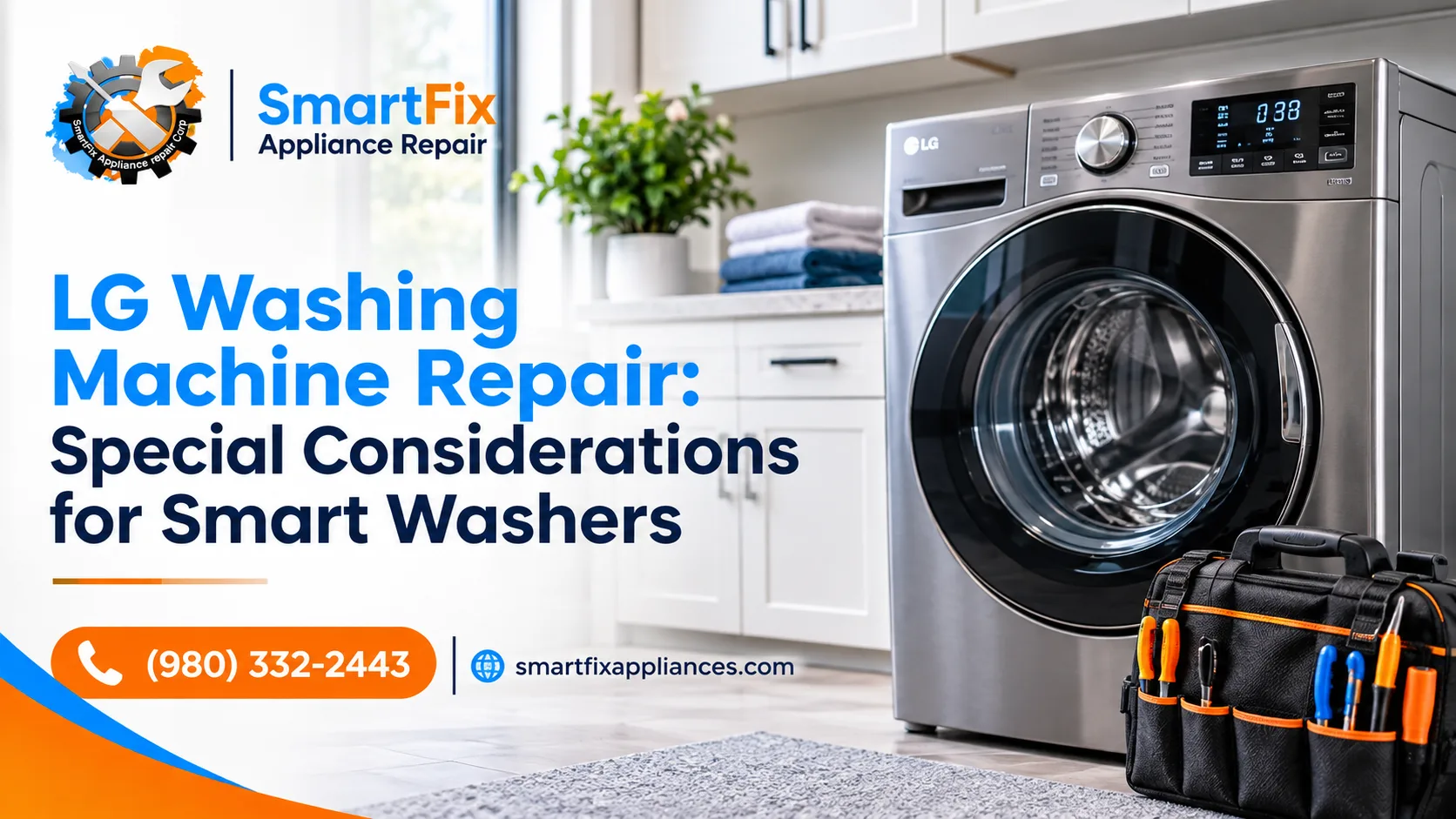
You’re halfway through a cycle when the display flashes “OE.” At the same moment, the ThinQ app tells you your washer needs a check. Is it your Wi-Fi? The drain pump? Both?
Here’s what to know before you search for LG washer repair: a smart washer can fail in two completely separate ways. One is a connection problem (the app, Wi-Fi, registration). The other is a mechanical problem (water, door, motor, drum). They can look alike on your phone, but they have different fixes, and sorting out which one you have is the fastest route to a working washer.
This guide walks you through that sorting step by step: what to check in five minutes, what LG’s own support pages recommend, and when to call a pro. It comes from the team at SmartFix Appliance Repair, serving Charlotte since 2021 with 11 technicians and a 4.9 rating across 1,285 Google reviews.
Quick answer: If the washer runs and drains normally but the app won’t connect, treat it as a Wi-Fi problem and use the ThinQ checklist below. If the display shows an error code, or the washer leaks, smells burnt or won’t spin, treat it as a mechanical problem. A code that comes back after a restart is your cue to book service.
What Makes a Smart LG Washer Different to Repair?
Under the hood, a smart LG washer is still a washer. It has a drain pump, a door lock, a motor and bearings, just like any other. The “smart” part is a layer on top: a Wi-Fi module, a control board that talks to it, and the ThinQ app that reports what the machine is doing.
That layer is useful, but it blurs the symptoms. Resetting your router won’t clear a blocked drain pump, and a failing pump has nothing to do with your Wi-Fi password. Three quick questions point you the right way:
-
Does the washer run a normal cycle from its own control panel? If yes, and only the app misbehaves, you’re probably looking at a connection issue.
-
Is there an error code on the display? Codes come from the washer’s own sensors, so they point to a mechanical or sensor cause, whatever the app says.
-
What changed recently? A new router, a new phone or a power outage often explains a lost connection. A new noise, smell or puddle points to hardware.
Once you know which side you’re on, the next two sections give you the right tools.
How LG Washer Smart Diagnosis Works
LG washer Smart Diagnosis is a built-in self-check: the washer reads its own sensors, and the ThinQ app turns the result into plain language. It won’t replace a technician, but it can save you a lot of guessing.
What you need:
-
A washer with the Smart Diagnosis logo on its control panel
-
The ThinQ app installed on your phone
-
For the app method, a washer that’s connected to Wi-Fi and registered in ThinQ, according to LG’s U.S. help page
How to run it in the app: open ThinQ, select your washer, tap Useful Features, choose Smart Diagnosis, tap Get Started, then follow the prompts. LG lists every step in LG Washer: How to Use Smart Diagnosis.
No Wi-Fi? Look for the audible method. Many LG manuals describe a second route: the washer “plays” its diagnostic data as a series of tones, which the ThinQ app or an LG support agent on the phone can pick up. You typically power the washer on, avoid pressing other buttons, and hold your phone’s mouthpiece near the Smart Diagnosis logo. The exact steps vary by model, so follow your manual.
Know the limits:
-
The washer needs power, so a completely dead machine can’t run it.
-
Treat the result as a strong hint, not a verdict. LG’s own manuals note that a poor data transfer, such as a bad phone line, can reduce the quality of the diagnosis.
A practical tip: take a screenshot of the result. If you book a repair, showing it to the technician gives them a head start on what to test first.
LG ThinQ Washer Troubleshooting: Fixing Connection Problems
If the washer works but the app can’t find it, work through this list in order. It follows LG’s U.S. support pages and starts with the easiest checks.
-
Confirm you’re on a 2.4 GHz network. ThinQ supports 2.4 GHz Wi-Fi only. Many routers broadcast 2.4 GHz and 5 GHz under one name, so look for a separate 2.4 GHz network name and double-check the password.
-
Register from one phone at a time. LG advises that only one smartphone should be connected to Wi-Fi while you register the washer.
-
Turn off mobile data during setup. LG’s support pages recommend it so your phone doesn’t drop off your home Wi-Fi mid-registration.
-
Power-cycle both devices. Unplug the washer for 30 seconds and restart your phone. Plug the washer back in, then try setup again.
-
Test with a hotspot. If registration fails, LG suggests using another phone’s hotspot instead of your home router. If it works on the hotspot but not at home, the router is the likely culprit, and resetting or replacing it may fix the problem.
-
Start fresh. Delete the old connection in the app and add the washer again from the “+” button.
For LG’s own walkthroughs, see LG ThinQ Appliance Connection & Troubleshooting and LG Washer: Troubleshooting the Wi-Fi Connection.
If you’ve tried all six and the washer still won’t pair, or an error code appears during setup, LG says service may be required. At that point a hands-on diagnosis beats swapping parts on a hunch.
Common LG Washer Error Codes and What to Try First
Error codes are where the mechanical side of your washer speaks up. Here are six of the most common, each with a safe first step. Before you touch any hose or filter, unplug the washer and keep towels nearby, since drain parts hold water.
|
Code |
What it usually means |
What to check first |
When to call a pro |
|
OE |
The washer can’t drain |
Check the drain hose for kinks or clogs, then clean the drain pump filter |
The code returns after both are clear |
|
IE |
The tub isn’t filling in time |
Open both water taps fully and check the inlet hoses. In winter, a frozen hose can be the cause |
Taps and hoses are fine but the code stays |
|
UE |
Unbalanced load |
Redistribute the clothes, then rock the washer to check it sits level and adjust the feet |
It repeats on small, balanced loads with a level washer |
|
dE |
Door or lid problem |
Close it firmly and remove anything caught in it. On front loaders, the code can mean the door can’t lock because of a misaligned door or a faulty latch |
The door closes but the code persists |
|
LE |
The drum or motor can’t turn |
Reduce the load and restart. On top loaders, look for a coin or object trapped between the wash plate and drum |
It returns with a light load and nothing trapped |
|
FE |
Overfilling |
Close both water taps and unplug the washer |
Always. LG notes this is usually a faulty water valve |
One important caveat: codes differ between front-load and top-load models, and even between individual models. Check your code against LG’s lists for front-load washers and top-load washers.
A simple rule of thumb: try the first step once. If the same code returns after a restart, the cause is probably more than a quick fix.
When It’s Time for LG Washer Repair
Some problems aren’t worth chasing on your own. Book LG washer repair if you notice any of these:
-
The same error code keeps coming back after a restart and the basic fix
-
A burning smell. Unplug the washer and don’t run it again until it’s been checked.
-
Water on the floor that you can’t trace to a loose hose
-
Loud banging or knocking during spin, especially with a normal-sized load
-
A door that won’t lock, so the cycle can’t start
-
An FE code, since overfilling can flood a laundry room
Before you pay for anything, check your warranty paperwork. A newer washer may still have manufacturer coverage, and extended plans can run longer. If you’re not covered or not sure, our washer repair team can take a look.
Repair or Replace Your Smart Washer?
Once you know what’s wrong, the next question is whether the fix is worth it. HouseLogic, the National Association of Realtors’ home-improvement site, gives a two-part test known as the 50% rule: replace if the appliance is more than halfway through its expected life and a single repair costs more than half the price of buying new. HouseLogic lists a typical washer lifespan of 5 to 15 years.
An illustrative example: say a comparable new washer costs $1,000. A $600 repair on an 11-year-old machine fails both tests, so replacing makes sense. A $450 repair on a 4-year-old machine passes both, so repairing is the better bet. Your own numbers will differ, but the logic holds.
One more point: if the diagnosis points to the control board, ask for a written estimate before any work begins so you can run the numbers above. For the full framework, see HouseLogic: Repair or Replace an Appliance.
What to Expect from LG Washing Machine Repair Services in Charlotte
If you decide to book LG washing machine repair services, here’s how a visit with SmartFix works:
-
Easy booking. Schedule online any time, 24/7.
-
Diagnosis first. We find the cause before replacing anything, so you don’t pay for parts you don’t need.
-
A clear estimate before work starts.
-
Original parts for the repair.
-
A 90-day warranty on our work.
-
Flexible hours. Our technicians work 8:00 AM to 8:00 PM, seven days a week.
Tip for a faster visit: when you book, give us your washer’s model number and attach your Smart Diagnosis screenshot. It helps the technician arrive prepared.
Learn more about our LG appliance repair and Charlotte appliance repair services, or book your service online.
Habits That Keep a Smart Washer Healthy
A few small habits prevent many of the problems above:
-
Leave the door open after a wash so the drum can dry out and odors and mold don’t build up.
-
Clean the drain pump filter regularly so drain problems like OE don’t creep up.
-
Keep the washer level. LG points to an unlevel machine as a common cause of UE errors.
-
Don’t overload it. LG lists overloading as a cause of motor errors like LE.
-
Check pockets for coins. On top loaders, a coin between the plate and drum can trigger LE.
-
Keep the ThinQ app updated for steadier connectivity.
For more maintenance advice, browse our appliance care blog.
Need Expert Help with Your LG Smart Washer?
A smart LG washer gives you extra tools, but fixing it starts with one question: is this a connection problem or a mechanical one? Use Smart Diagnosis and the ThinQ checklist to find out, try the first-step fixes for common error codes, and don’t wait on burning smells, leaks or codes that keep coming back.
When it’s time for LG washer repair in Charlotte, call SmartFix or book online.
FAQ
Does LG Smart Diagnosis work without Wi-Fi?
Often, yes. The in-app method needs the washer connected to Wi-Fi and registered in ThinQ, but many LG manuals describe an audible method that sends diagnostic tones to the app or to LG support over a phone call. Availability varies by model, so check your manual.
Why won’t my LG washer connect to ThinQ?
The most common cause is a 5 GHz network, since ThinQ supports only 2.4 GHz. Also check the password, register from one phone only, and turn off mobile data. Then unplug the washer for 30 seconds, restart your phone and retry.
What does the OE error mean on an LG washer?
OE means the washer can’t drain. Start with the drain hose, looking for kinks or clogs, then clean the drain pump filter. If the code returns after both are clear, the unit may need repair.
Can I use my LG washer if ThinQ isn’t connected?
Usually, yes. Wash cycles run from the control panel, and the app adds remote features and Smart Diagnosis through Wi-Fi. Your model’s manual lists exactly which features need a connection.
How much does LG washer repair cost?
It depends on the model, the fault and the parts, so we don’t quote a number before seeing the machine. After diagnosis, we give you a clear estimate before any work starts.